The Service Suspension
ConnectWise says it identified the issue on October 14, 2026. Its public announcement on October 16 was followed by an October 18 update confirming that Cloud Backup remained suspended and restores were unavailable. As part of containment, the provider disabled seven application identities on October 17 at 7:00 a.m. UTC, or 9:00 a.m. in Italy.
Universal.cloud confirms that new backups and restores have stopped for its customers, while normal Microsoft 365 services remain operational. The distinction has specific consequences. Users can continue working, but their ability to recover data through this service remains limited.
Reviewing Access in Customer Environments
Huntress documents successful unauthorized authentications and, in one customer environment, the addition of credentials to other applications. These findings call for reviews of individual environments. Disabling the original connections does not necessarily remove credentials or permissions added elsewhere.
ConnectWise states that backup repositories are encrypted, isolated, and preserved, with no evidence of access. That assessment concerns the repositories and does not establish the security of customers’ Microsoft 365 environments. Likewise, a successful unauthorized authentication does not, on its own, prove data theft. The attacker and motive remain unknown.
Protection Through a Shared Service
The relationship among the provider, IT service providers, and customers also relies on application identities authorized to access data. Permissions required for backup can become a route for unauthorized access. Measures taken to contain that access have meanwhile interrupted both the creation of new copies and the recovery of existing ones.
The status page lists all service regions, but does not document damage in every country. The concentration of access and recovery capabilities in a common provider warrants attention across borders as well. A geopolitical motive or a global impact on essential services has not been established.
Establishing What Can Be Recovered
As the outage continues, the period of work not covered by new backups grows. A failure or deletion during this interval could make recovery more difficult. As of October 18, no restoration timeline had been announced, and actual recovery needs to be verified through successful tests.
The security lead, IT service provider, and incident response team should review identities, permissions, and logs, preserving evidence while containing suspicious access. Business continuity staff should meanwhile identify the latest usable recovery point and test any alternative. These findings should inform what the organization is told about recoverable data, limitations, and tolerable recovery times.
Sources and Supporting Evidence
- Cloud Backup (formerly SkyKick) — investigation and service update
- ConnectWise Product and Services Status — Cloud Backup Issue Investigation
- ConnectWise (SkyKick) Vendor Credentials Abused in M365 Attacks
- ConnectWise Cloud Backup service interruption: backups temporarily paused
- Investigation: Unauthorized Access Through the ConnectWise Cloud Backup Microsoft 365 App
- When the backup app becomes the way in
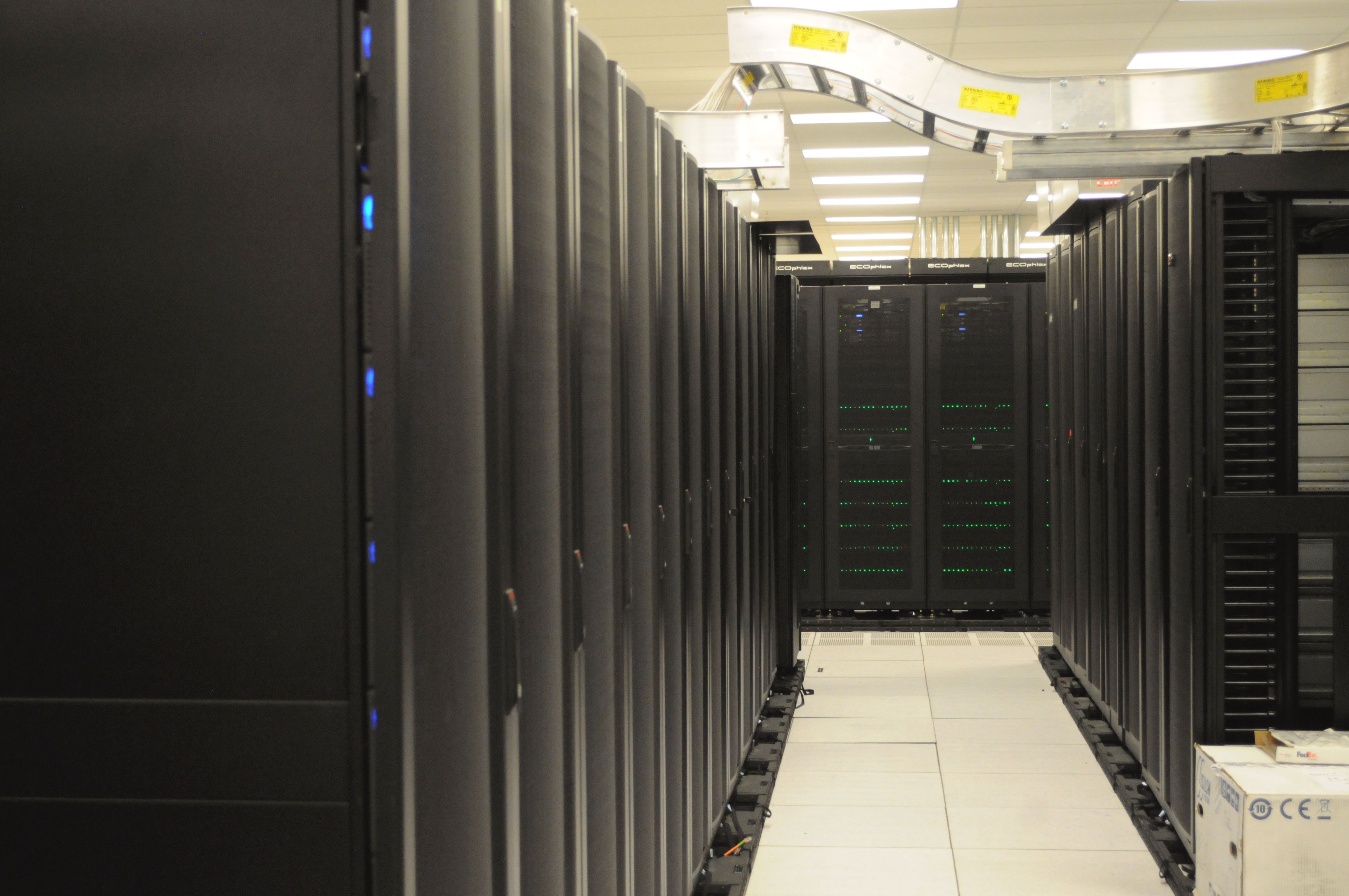
- Front of server racks at NERSC.jpg
- Front of racks at NERSC — original Flickr photo
This analysis reflects the sources available as of the date shown. Facts, attribution, and potential consequences may require reassessment as new evidence emerges.